Personal and family finance
Track your money without linking your bank.
We made Keppet for keeping track of a household's money. Your ledger is saved to your Google Drive, OneDrive or your own git repo. Snap a receipt or say what you spent, and Keppet drafts the entry for you to confirm.
Pick where your ledger lives. Every option is free.
Keppet can open only the files it creates in your Google Drive.
Microsoft will ask you to allow access to all your OneDrive files. Keppet reads and writes only the keppet-data folder.
Your sign-in token is kept on this device. It passes through Keppet's server when you sign in and when it refreshes.
Also on Google Play.
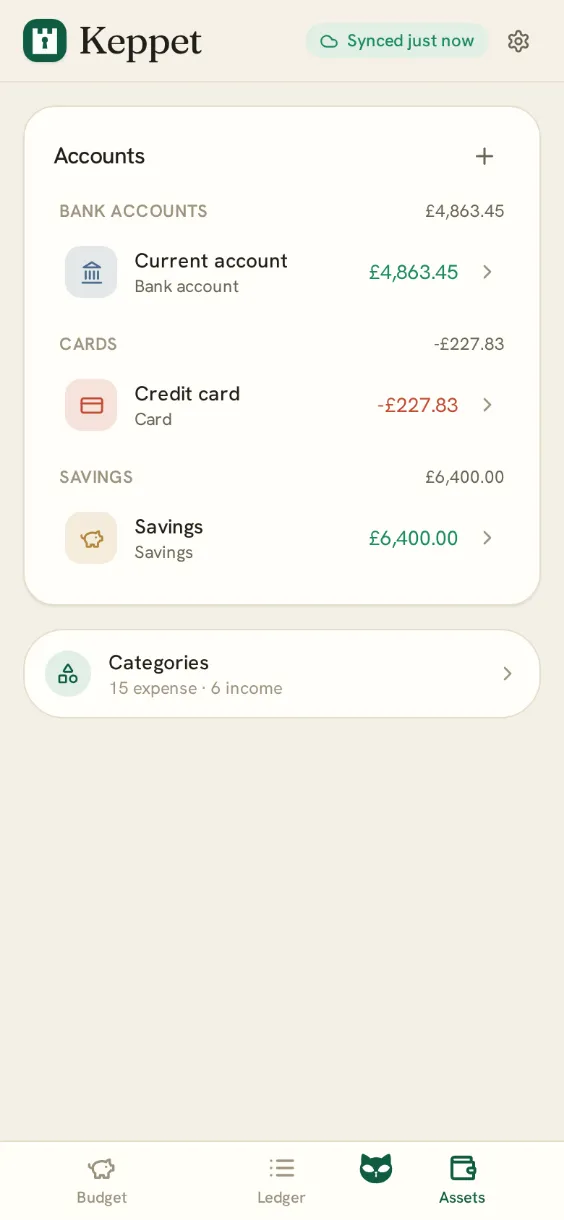
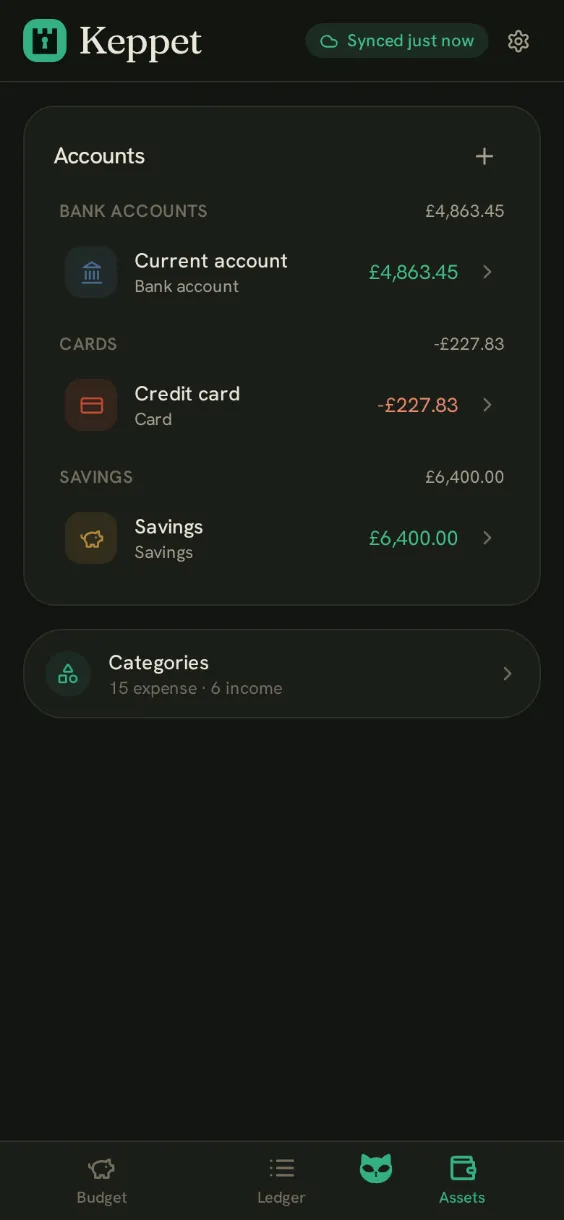
What it looks like
Ledger, budget and assets
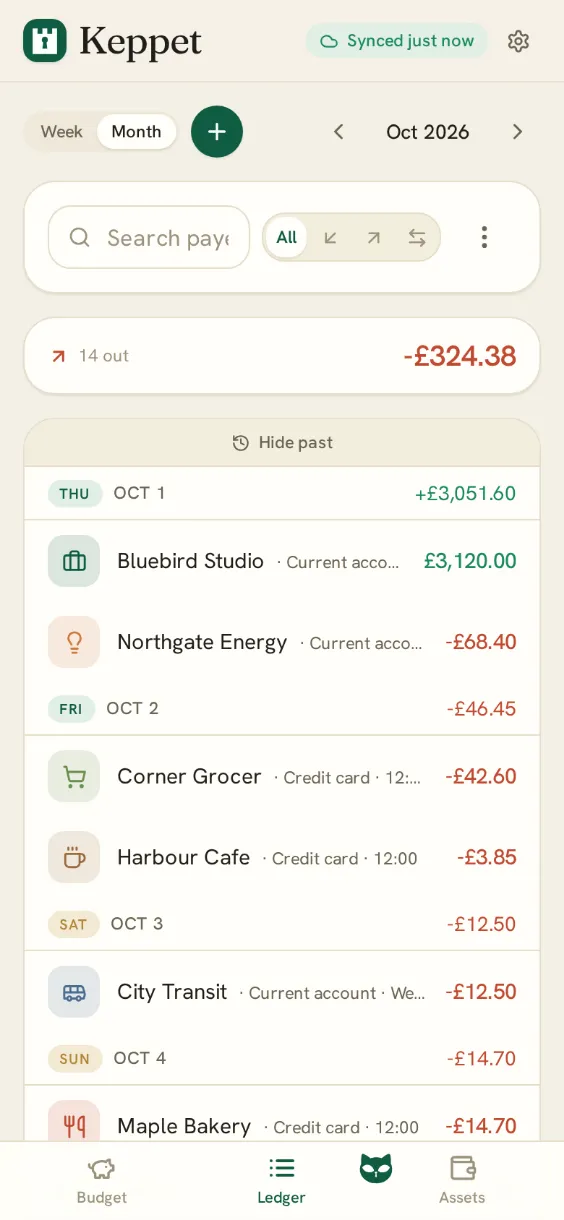
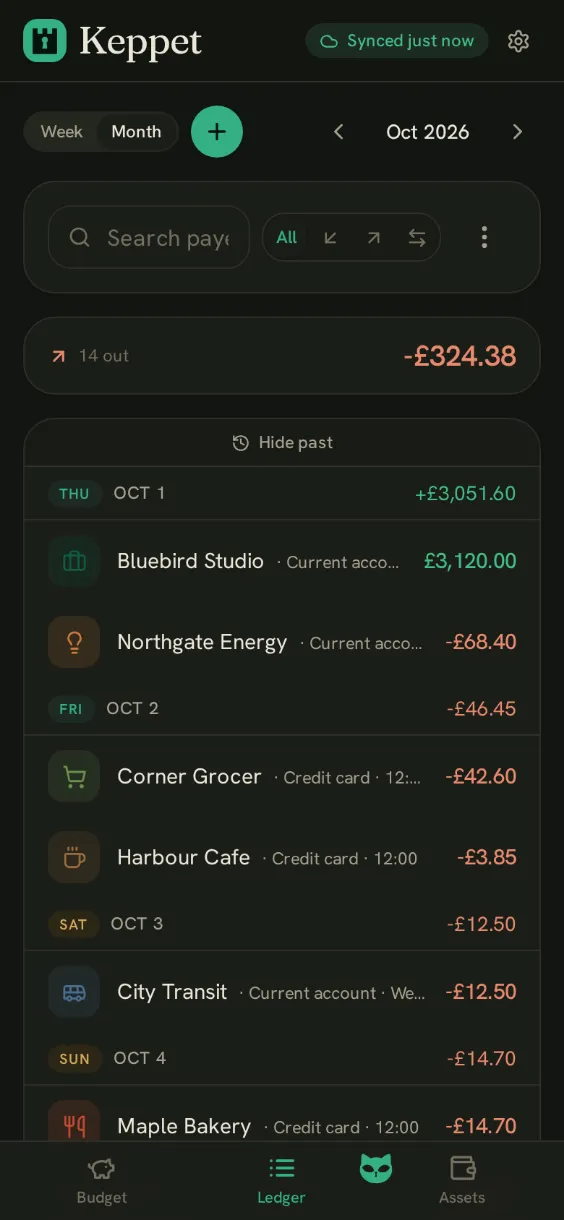
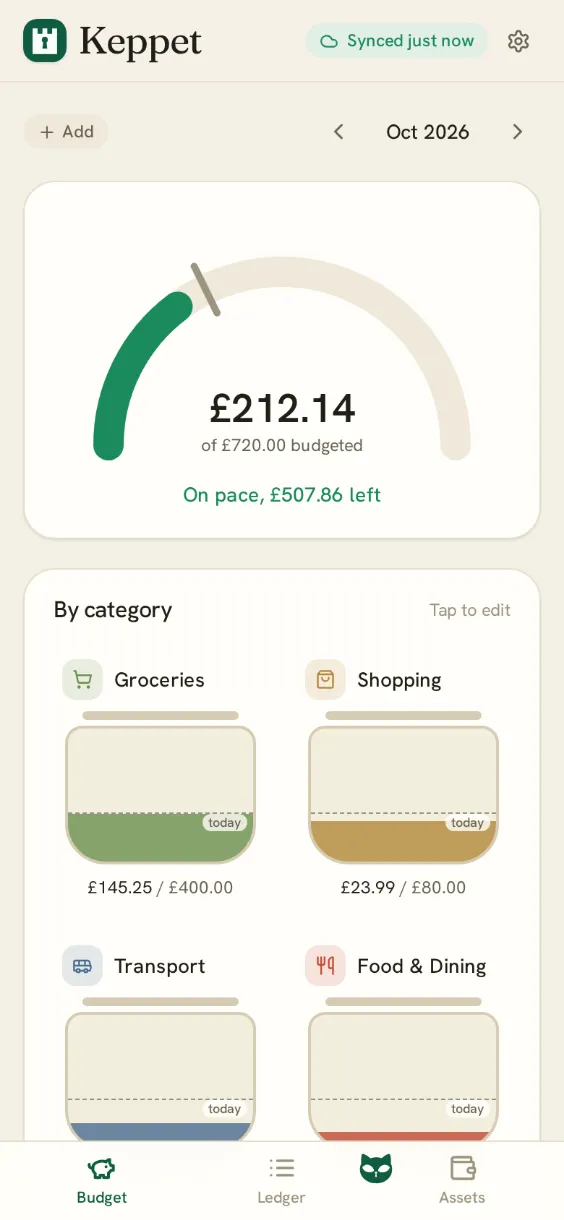
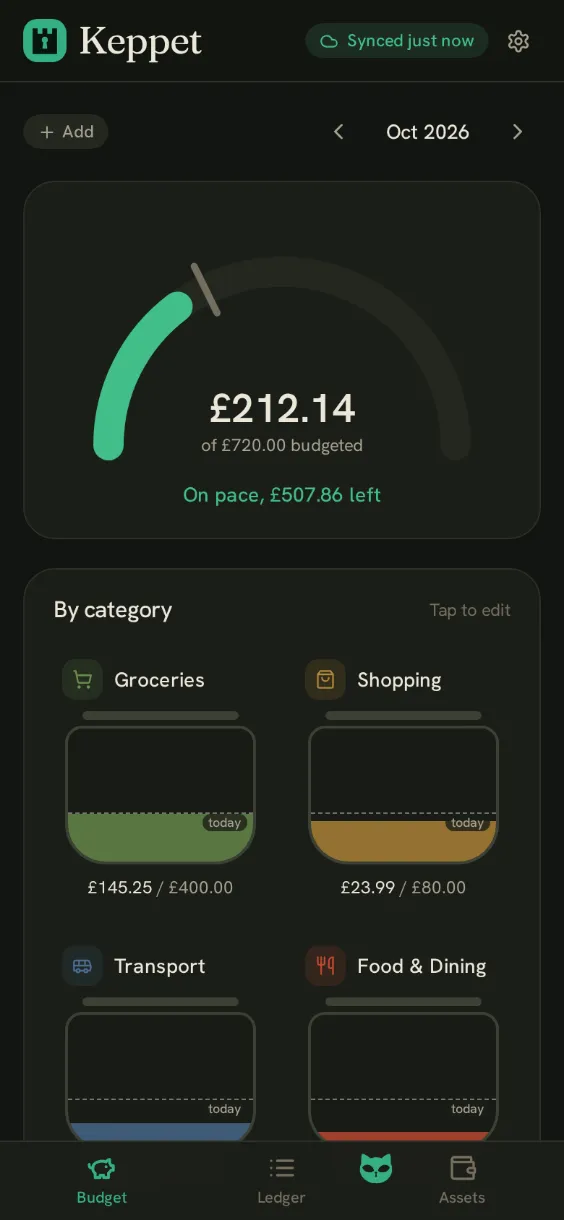
How it works
Add a transaction in three steps
Snap it or say it
Photograph a receipt, or type what you bought in plain words.
Keppet reads it
It reads the amount, payee and date and drafts the entry with Keppet AI.
You confirm
One tap adds it to your ledger. Until you tap, it stays a draft.
Manual entry is free. Keppet AI reads receipts and typed entries. A set of reads is free, then it is a subscription.
Where your data lives
Your ledger is saved in your own storage.
Files you can open
Every transaction is plain JSON in your Google Drive, OneDrive or git repo. Export it or leave at any time.
Your ledger stays off our servers
We do not store your ledger. We keep a hashed sign-in record, your Keppet AI usage and subscription status, and every receipt photo you snap, attach or share.
Stored on your device
Your entries are stored on your device and sync when a connection is available.
Keeps your ledger in